Quick checklist
- Identify the connector on the exact iPhone model.
- Match the phone end and adapter end of the cable.
- Verify certification, charging and data claims separately.
Start with both ends of the cable
Some iPhones use Lightning while newer models use USB-C. The other end may connect to a USB-A or USB-C adapter. Write down both required connectors before ordering and ask whether the exact cable supports charging only, data transfer or additional functions.
Lightning accessories and certification
For Lightning products, look for reliable certification information and compare packaging and markings with official Apple guidance. Avoid treating a familiar colour or logo-like print as proof of certification.
USB-C capability
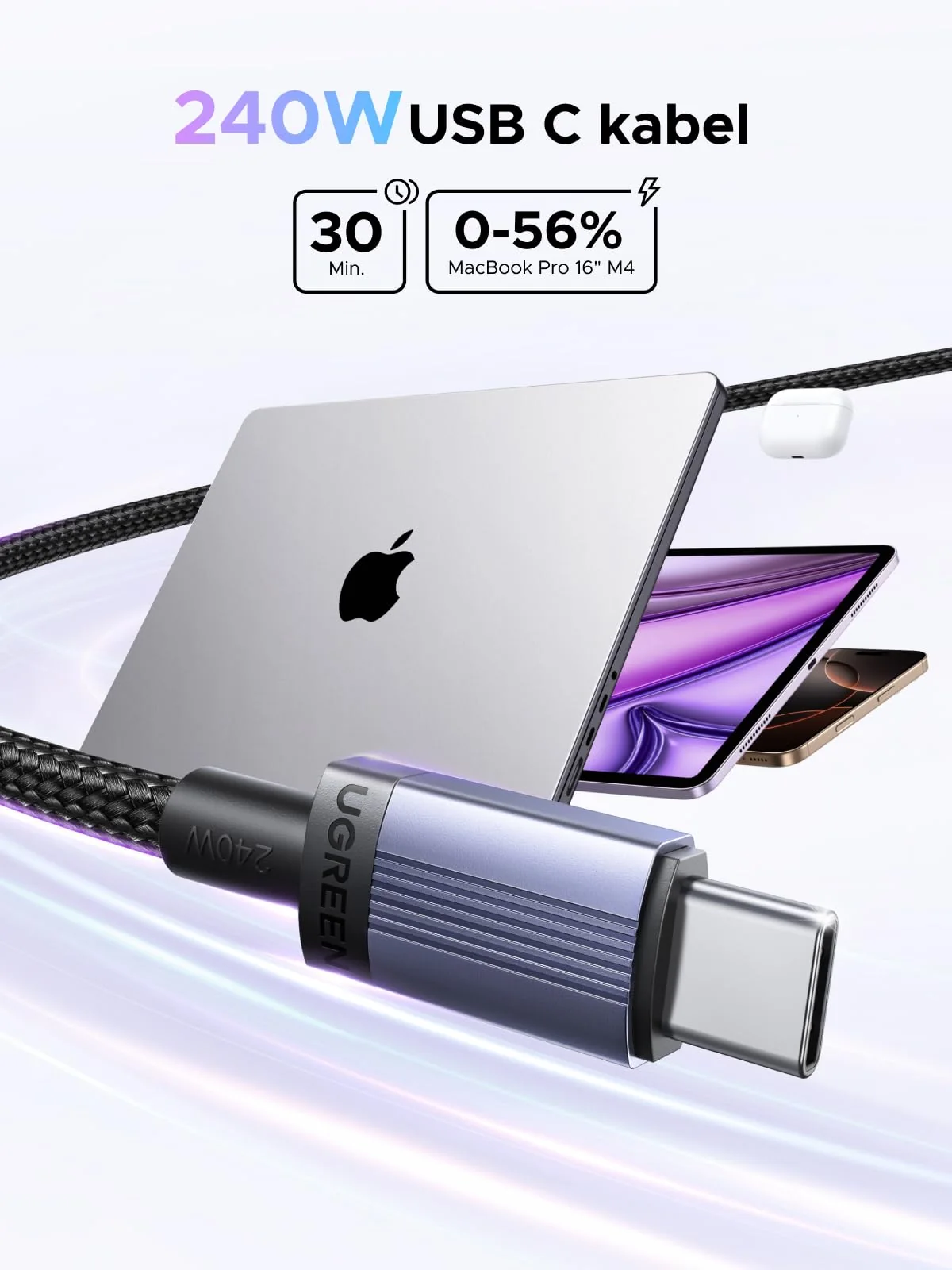
USB-C describes a connector, but cables can differ in charging power, data rate and video support. Ask for the specification of the exact cable and match it with the adapter and iPhone.
Length and daily durability
Choose a length that avoids tension at the phone and outlet. Braided material can change the feel and abrasion resistance, while safe performance depends on the complete cable construction and proper handling.
Frequently asked questions
Do all iPhones use Lightning?
No. The connector depends on the iPhone model, so check the device before buying a cable.
Does a USB-C cable always support fast charging?
No. The cable, adapter and iPhone must support compatible charging requirements.
Can one cable handle charging and data?
Some can, but capability should be confirmed for the exact cable instead of assumed.
Send the exact device model and intended use. Price, availability, delivery and product-specific terms are confirmed before an order.