
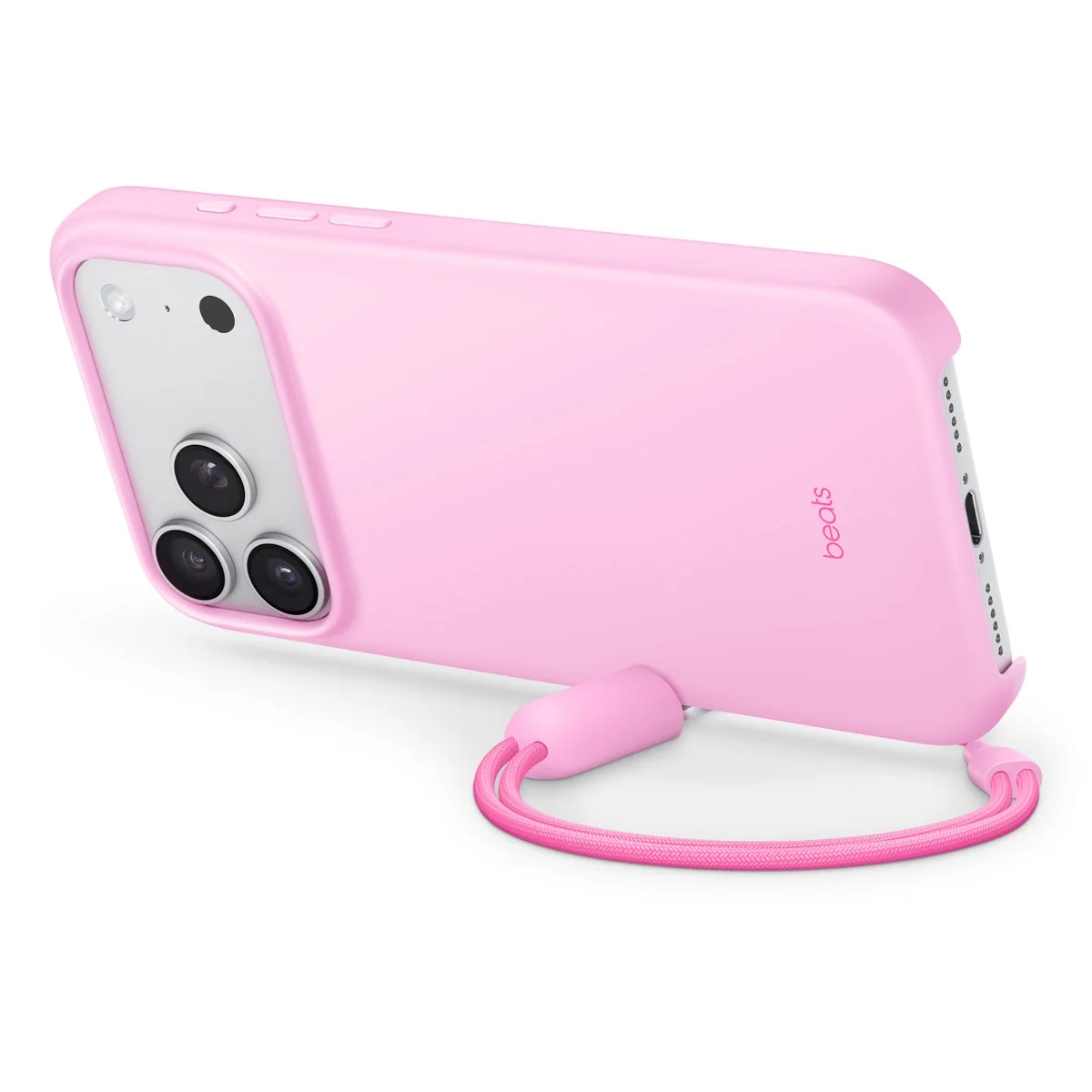
Quick checklist
- Confirm the complete phone model and size.
- Inspect camera, button, speaker and charging cut-outs.
- Check stand or magnetic-accessory compatibility separately.
Correct fit comes first
Phones with similar names can use different case dimensions and camera layouts. Read the model in the phone settings, compare it with the product title and ask the seller to confirm the physical case. No case guarantees protection against every impact, so treat protective language realistically.
Compare every opening
Look closely at the camera surround, charging port, microphones, speakers and side buttons. A precise fit should not block controls or force the phone into the case. Ask for images of the exact colour and variant available.
Magnetic charging and kickstands
A visible ring does not prove a particular magnetic strength or charging performance. If you use MagSafe-style accessories, request confirmation for your phone, charger and case combination. Test kickstands on a stable surface and avoid applying excess force.
Colour, material and return terms
Screen settings and lighting can change how a colour appears online. Ask about the material, finish and product-specific return policy before ordering. Keep your written model and colour confirmation.
Frequently asked questions
How do I find my exact phone model?
Check the About or Device information page in the phone settings and share the complete model name.
Does every ring case support magnetic charging?
No. Compatibility and performance must be confirmed for the exact case and phone.
Can a case prevent all damage?
No case can guarantee protection from every drop, impact, liquid or scratch.
Send the exact device model and intended use. Price, availability, delivery and product-specific terms are confirmed before an order.